Instagram Smart Scroll: Mindful Digital Engagement

Instagram Smart Scroll: Mindful Digital Engagement

A feature design for Instagram that promotes digital wellbeing while maintaining user engagement through gamification and rewards

Overview

Overview

Problem

Problem

Instagram thrives on the time spent by users on the app but the users struggle to balance the time they spend on the app.

Background

Background

Instagram, owned by Meta, encourages high engagement through features like reels, stories and scrolling. The global users are not only individuals that want to be entertained, but also content creators and business owners who want to continue engaging with their audience.

My Role & Project Overview

My Role & Project Overview

I focused on designing smarter time-management features for Instagram that help users track their screen time, separate work and personal usage, reduce distractions with focus mode to build healthier digital habits.

Project:

Social Media & Wellbeing

Role:

Solo UX Researcher & Designer

Solo UX Researcher & Designer

Timeline:

4 Weeks

Tools:

Figma Design, Figma draw, FigJam,

Google Docs, Discord, AI tools.

Figma Design, Figma draw, Figma make, FigJam, Google Docs, Discord, AI tools.

Figma Design, Figma draw, FigJam, Google Docs, Discord

Platform:

Add on Feature- Instagram

Final Result

Final Result

Flow 1- Set Reminder for snooze
Flow 2 -Reward for Pause and Exit
Flow 3 - Lose Point for Snooze and Continue
Flow 3-Loose point Snooze and Continue
Flow 3 -Snooze and Continue

Discovery

Discovery

What does a user actually go through?

Before opening Instagram
1.Opens Instagram for a quick break from stress or boredom.

2.Plans to spend only a few minutes browsing.

During scrolling

1.Gets caught in endless scrolling through Reels and Stories.

2.Loses track of time while browsing content.

3.Experiences a mix of entertainment, comparison and overstimulation.
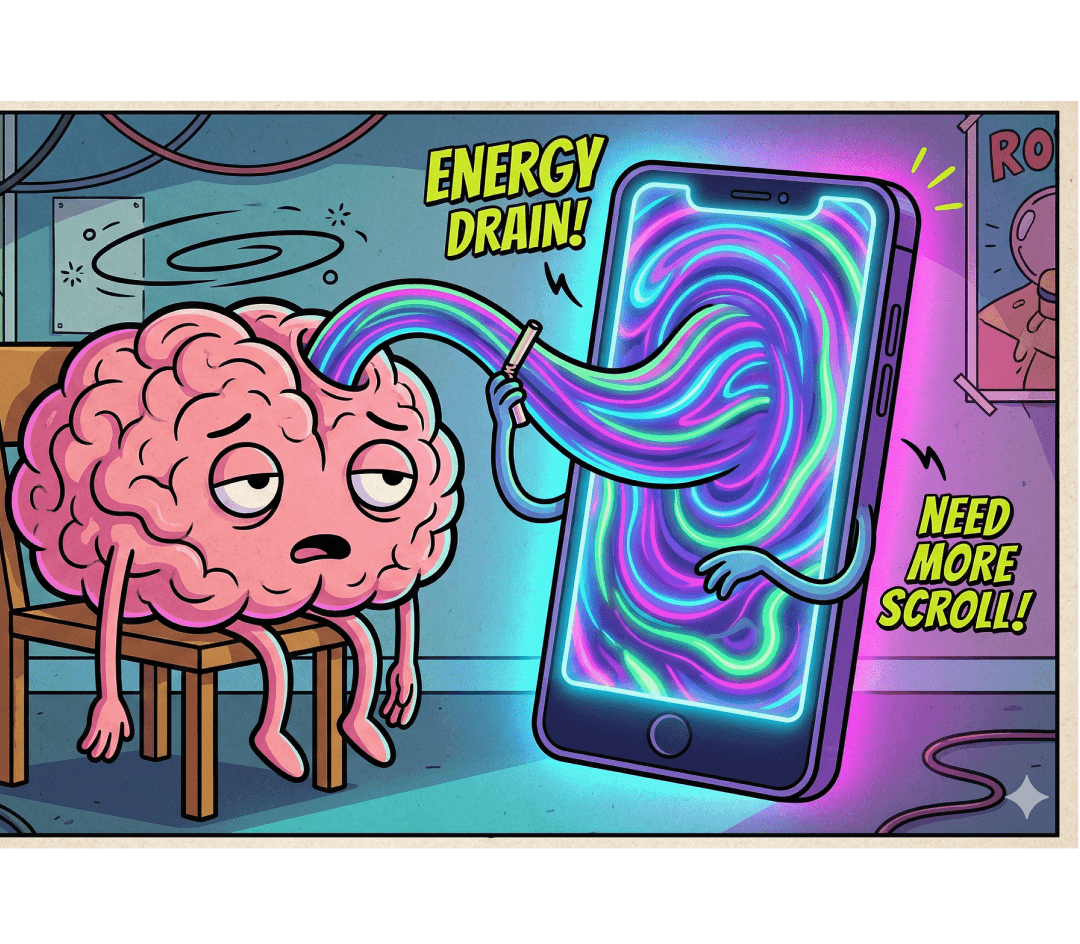
Mid-usage realization

1.Brief awareness: I have been here too long.

2.But continues scrolling due to habit loop, fear of missing out something, no natural stopping.

After over usage

1.User feels time wasted with mental fatigue, slight guilt about no productive time spent.

2.Repeats the same behavior later

What they need in this experience?

Time Awareness

1.Gentle reminders when scrolling exceeds their intended time.

2.Clear visibility into how much time they've spent on Instagram.

3.Visual cues that help them recognize overuse before it becomes a habit.

Time Awareness

1.Gentle reminders when scrolling exceeds their intended time.

2.Clear visibility into how much time they've spent on Instagram.

3.Visual cues that help them recognize overuse before it becomes a habit.

User Control

1.Easy options to pause, snooze or continue scrolling.

2.Flexibility to decide when and how reminders appear.

3.A sense of control without feeling restricted.

User Control

1.Easy options to pause, snooze or continue scrolling.

2.Flexibility to decide when and how reminders appear.

3.A sense of control without feeling restricted.

Mindful Reflection

1.Reminders of their original reason for opening Instagram.

2.Brief moments to reconsider whether they want to keep scrolling.

3.Encouragement to make intentional choices about their time.

Mindful Reflection

1.Reminders of their original reason for opening Instagram.

2.Brief moments to reconsider whether they want to keep scrolling.

3.Encouragement to make intentional choices about their time.

Habit Building

1.Positive reinforcement for mindful usage.

2.Small interventions that encourage healthier screen-time habits.

3.Support in reducing unintentional scrolling over time.

Habit Building

1.Positive reinforcement for mindful usage.

2.Small interventions that encourage healthier screen-time habits.

3.Support in reducing unintentional scrolling over time.

Seamless Experience

1.Non-intrusive prompts that don't interrupt enjoyment of the app.

2.A feature that feels like a natural part of Instagram.

3.Simple interactions that require minimal effort from users.

Define

Define

Persona

Through interviews with 9 Instagram users from diverse backgrounds, I identified common patterns in how people engage with the platform. The personas below represent the primary user groups and insights that guided the design process.

Affinity Map

By organizing research findings into themes, the affinity map revealed users' behaviors, challenges, and motivations, helping guide design decisions and shape the solution.

Design Approach

Using a user-centered approach, the design helps users maintain a balanced relationship with Instagram through awareness, thoughtful guidance and habit-building features.

Gentle Notifications

Users can share creative content and stay inspired on Instagram while gentle reminders help them manage screen time without interruption.

Gentle Notifications

Users can share creative content and stay inspired on Instagram while gentle reminders help them manage screen time without interruption.

Smart Timing

Users often lose track of time while scrolling through Reels and Stories, so the feature tracks usage and suggests breaks at natural moments on Instagram.

Smart Timing

Users often lose track of time while scrolling through Reels and Stories, so the feature tracks usage and suggests breaks at natural moments on Instagram.

Mindful BreakScreen

Users receive gentle reminders, fewer distractions, and a soft calming break screen with motivational quotes to help them stay focused while using Instagram.

Mindful BreakScreen

Users receive gentle reminders, fewer distractions, and a soft calming break screen with motivational quotes to help them stay focused while using Instagram.

Reward System

The user needs gentle reminders, fewer distractions, simple tools to stay focused while using the app, and reward points to encourage positive usage habits.

Reward System

The user needs gentle reminders, fewer distractions, simple tools to stay focused while using the app, and reward points to encourage positive usage habits.

Framing the Challenge with POV and HMW

Framing the Challenge with
POV and HMW

POVs

POVs

A busy Instagram user wants to stay productive and avoid over-scrolling. They need a clear way to see where their time goes and a simple way to separate work and personal use, since current tools don’t help them stay focused or in control.

A busy Instagram user wants to stay productive and avoid over-scrolling. They need a clear way to see where their time goes and a simple way to separate work and personal use, since current tools don’t help them stay focused or in control.

HMWs

How might we design Instagram to encourage users to be more mindful of their time spent on the platform to encourage healthier digital habits?

How might we design Instagram to encourage users to be more mindful of their time spent on the platform to encourage healthier digital habits?

HMWs

Project Goals

Based on user interviews and research, the project aimed to help users use Instagram more mindfully by balancing work and entertainment time through increased awareness, control, and healthy usage habits.

Business & Users

Build trust by showing care about user health.


Help people who use Instagram for work stay "work-separated"

User & Technical

Making the "personal vs. work" switch work behind the scenes


Using phone's own settings to make sure Focus Mode really blocks distractions

Technical & Business

Adding features without making the app slow or glitchy.


Setting up system to handle different needs of regular vs business users

Technical & Business

Adding features without making the app slow or glitchy.


Setting up system to handle different needs of regular vs business users

Design

Design

Feature Set

Based on user research, I prioritized features that encourage awareness, reflection, and intentional use through a gentle, non-intrusive add-on experience.

User & Task Flows

Designing a gentle focus feature that helps users stay aware of their screen time, recognize overuse and refocus on their original intent without interrupting their experience.

Mid Fidelity

Mid fidelity in digital format was a valuable part of the process, allowing ideas to be explored quickly and refined before developing them into wireframes

Style Guide

Following Instagram's visual language, I used familiar colors and positive reward cues to encourage intentional breaks from scrolling.

High Fidelity

High fidelity interactive prototype with clearly defined key screens, navigation and complete user flows aligned with research insights and user goals. User flows interactive links are added below.

Iteration

Iteration

User Testing

Iterations 1

User flow 2- Clarified pause Vs snooze actions

Based on feedback, I clarified the distinction between the Pause and Snooze actions and maintained a consistent button order across screens.

These changes reduced confusion, supported muscle memory and made the experience more intuitive.

Iterations 2

User Flow 2- Added context to smart scroll feature

Based on user testing feedback, I added more context to the Smart Scroll feature to improve user understanding.

I also refined the confirmation and motivation screens to better communicate the value of the feature and reinforce the benefits of mindful Instagram use.

Iterations 3

User Flow 3- Refined snooze timing clarity

User testing revealed confusion about how long the snooze feature would remain active. To address this, I added clear snooze time options, helping users understand exactly how long the pause would last before making a selection.

Iterations 4

User Flow 3-Added context to smart scroll feature

User testing showed that some users were unsure when the Smart Scroll snooze reminder would reappear. To improve clarity, I added brief explanatory text that set expectations and helped users better understand how the feature works.

Final Result with Solution

Reflection

Reflection

Impact

The users could see the rewards for balancing the need between scrolling and exiting the app after reminder. The rewards mechanism induced focus on user well being as expected. The goal was not only to reduce screen time of users, but also to create a feature that makes the business feel personal and supportive to users.

Reflections

This project helped me understand that well-being design is about balance between business goals and user needs for having a digital well-being feature on a platforms that thrives on user engagement.


Users liked the feeling of having control induced by reward system through the features like pause, snooze, continue and reminders.


The project also taught me that user behavior is influenced by motivation, and emotions. Overall, it built my understanding of empathetic UX design and how design can support healthier digital habits.

Impact

The users could see the rewards for balancing the need between scrolling and exiting the app after reminder. The rewards mechanism induced focus on user well being as expected. The goal was not only to reduce screen time of users, but also to create a feature that makes the business feel personal and supportive to users.

Reflections

This project helped me understand that well-being design is about balance between business goals and user needs for having a digital well-being feature on a platforms that thrives on user engagement.


Users liked the feeling of having control induced by reward system through the features like pause, snooze, continue and reminders.


The project also taught me that user behavior is influenced by motivation, and emotions. Overall, it built my understanding of empathetic UX design and how design can support healthier digital habits.

A smarter Instagram: where mindful use meets thriving platform.

Not about stopping usage, about improving the experience

View Other Projects

© 2026 Shweta Vast. All rights reserved.

New York City, USA

© 2026 Shweta Vast. All rights reserved.

New York City, USA

Create a free website with Framer, the website builder loved by startups, designers and agencies.